Mesh Networking
GateKey mesh networking provides hub-and-spoke topology for site-to-site VPN connectivity.
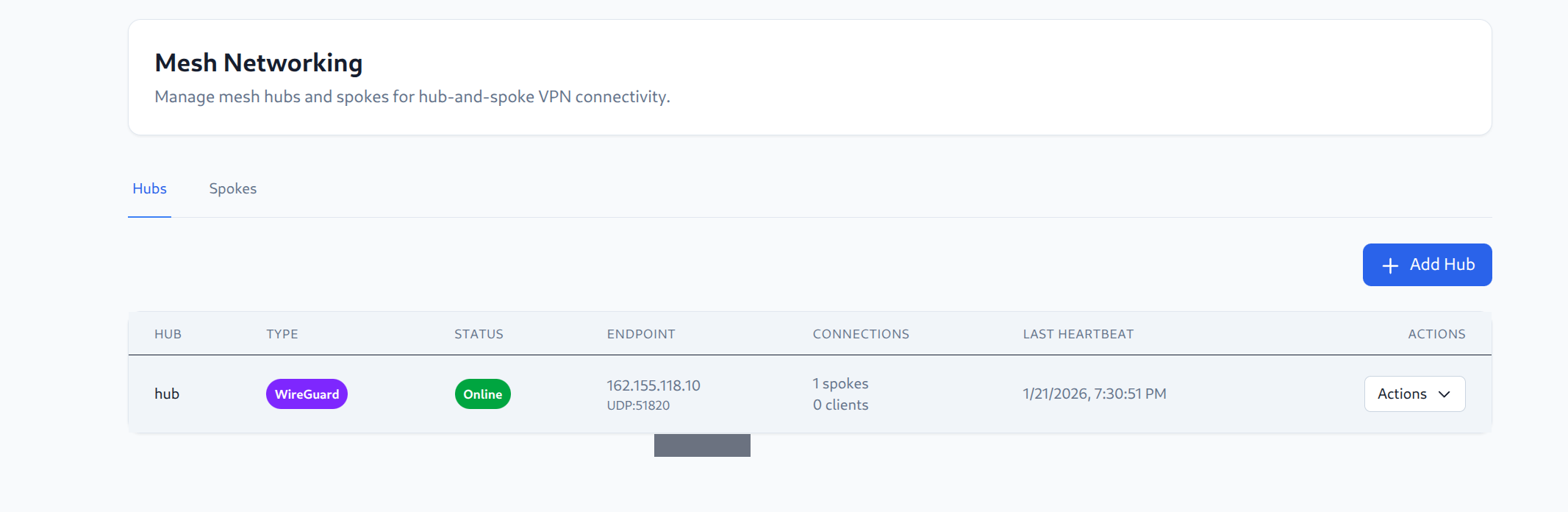
Overview

- Hub: Central mesh server that aggregates connections
- Spokes: Remote site gateways that connect to the hub
- Users: VPN clients who connect to access spoke networks
Network Topology View
The Topology page provides a visual representation of your mesh network:

The topology map shows:
- Users - Connected VPN clients
- Hub - Central mesh hub with public endpoint, tunnel IP, and subnet
- Spokes - Remote site gateways with their tunnel IPs and advertised routes
This view helps administrators understand the current state of the mesh network and troubleshoot connectivity issues.
Connecting to a Mesh Hub
List Available Hubs
gatekey mesh list
Output:
Available Mesh Hubs:
--------------------
✓ primary-hub
  Endpoint:    hub.example.com:1194
  Protocol:    UDP
  Status:      online
  Networks:    3 networks available
Connect
gatekey connect --mesh primary-hub
Zero-Trust Access
Mesh networks use the same zero-trust model as regular gateways:
- You must be assigned access to the mesh hub
- You only receive routes for networks you have access rules for
- Traffic to unauthorized destinations is blocked
Viewing Your Routes
After connecting:
gatekey status
The routes shown are the networks you can access through the mesh.
Mesh vs. Gateway
| Feature | Gateway | Mesh Hub |
|---|---|---|
| Topology | Point-to-point | Hub-and-spoke |
| Site-to-site | No | Yes |
| Dynamic routes | No | Yes (from spokes) |
| Best for | Direct access | Multi-site networks |
Requirements
To use mesh networking:
- Administrator has configured a mesh hub
- You have been granted access to the hub
- You have access rules for the networks you need